Gorilla AI
https://gorilla.cs.berkeley.edu/ Gorilla is a AI LLM that can provide appropriate API calls, command-line commands and much more by using natural language instructions directly from your terminal.
Examples:
Command-Line command example
gorilla "I need a list of the 10 largest files in this directory, sorted by largest files sizes first"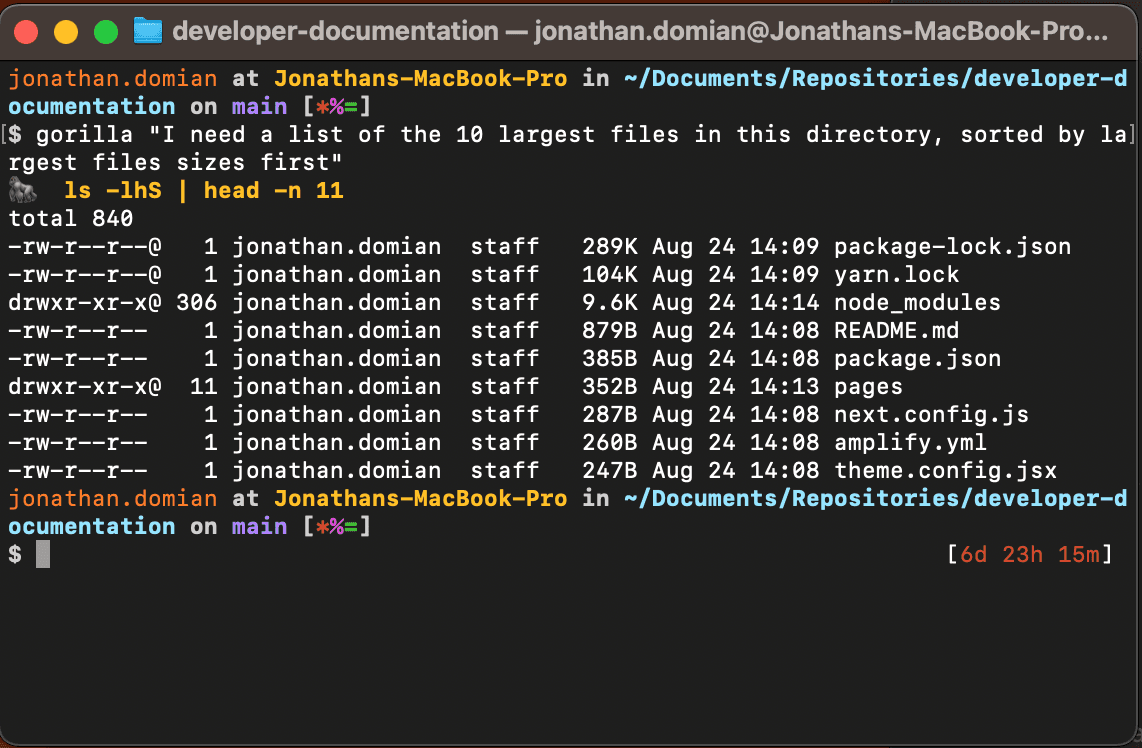
gorilla "I need the weather forecast in St. Louis for the next 5 days. I need to use a free service that required no API keys."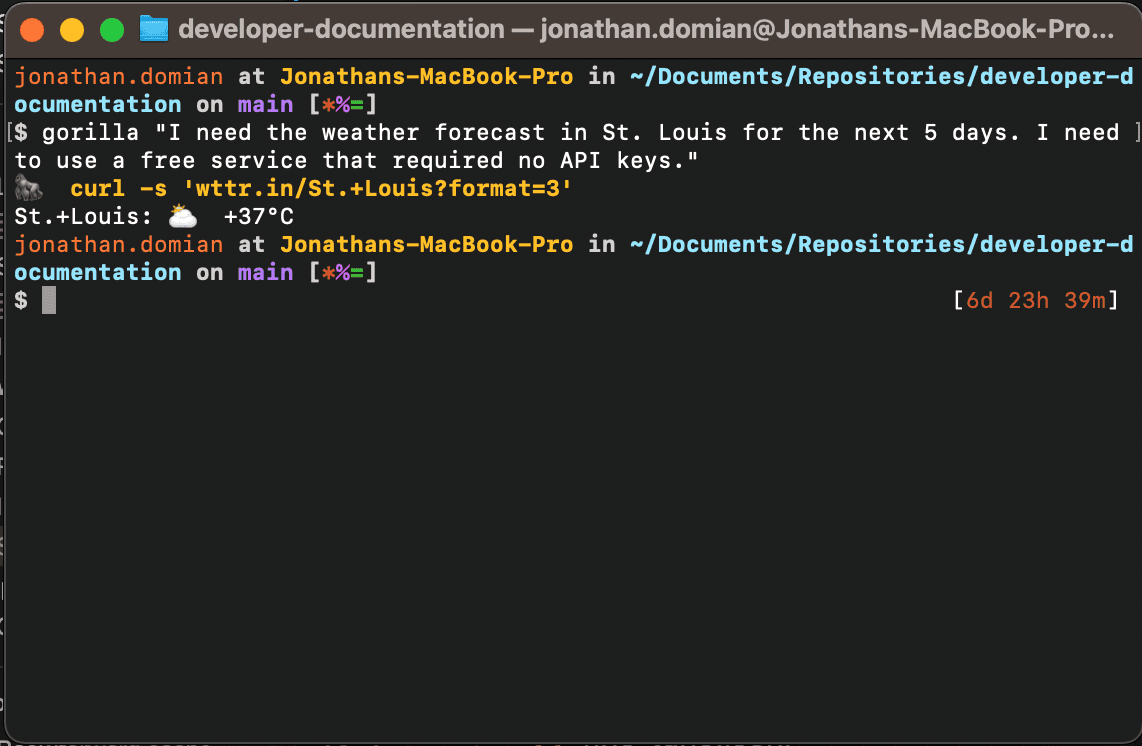
Installation (Linux/Ubuntu)
Install dependencies
- Install python3
sudo apt install python3- Install pip3
sudo apt install python3-pip- Install python3 virtualenv
sudo apt install python3-venvCreate a Python3 Virtual Environment
- Create a python3 virtual environment. The last param is the name of the virtual environemnt. You can name it whatever you want. In this case its “gorilla-env”.
python3 -m venv gorilla-env- Activate and enter the virtual environment. The terminal should put you “in” the enviroment. Look for the “(gorilla-env)” tag next to your command prompt.
source gorilla-env/bin/activate- Install gorilla-cli in the python3 virtual environment
pip install gorilla-cli- You can exit the virtual environment and start using “gorilla” commands.
gorilla "List all the files in this directory"Example Output:
🦍  Welcome to Gorilla. Use arrows to select
 » ls -al
   ls -l
   `ls -a`
   : #Do nothing
Installation (MacOS)
Install dependencies
- Install python3
brew install python3- Upgrade pip3
python3 -m pip install --upgrade pip- Install gorilla-cli
sudo pip3 install gorilla-cli- Install python3 virtualenv
sudo pip3 install virtualenvCreate a Python3 Virtual Environment
- Create a python3 virtual environment. The last param is the name of the virtual environemnt. You can name it whatever you want. In this case its “gorilla-env”.
python3 -m virtualenv --system-site-packages gorilla-env- Activate and enter the virtual environment. The terminal should put you “in” the enviroment. Look for the “(gorilla-env)” tag next to your command prompt.
source ~/gorilla-env/bin/activate- Install gorilla-cli in the python3 virtual environment
pip install gorilla-cliSetup Python3 Virtual Environment to run on boot
- Add activation command to .bashprofile: Open the .bashprofile file in your user directory. Run the following command to open it:
nano ~/.bash_profile- Add the following line to the end of the file:
source ~/gorilla-env/bin/activate- Save and exit the file. Press Ctrl+X to exit nano, then Y to save the file, then Enter to confirm the filename.
- Make the virtual environment global: Run the following command in the terminal to make the virtual environment visible to other globally installed packages:
pip3 install virtualenvwrapper- Add the following line to .bash_profile, replacing the path with the actual path to your Python installation:
export VIRTUALENVWRAPPER_PYTHON=/usr/local/bin/python3- Run the following command in the terminal to apply the changes made to the .bashprofile file:
source ~/.bash_profileLast updated on